Connect once and new referrals land in your CRM with the client's name, phone, email, referral type and notes, plus a link back to Refervia. CRM connections are included on every Refervia plan.
Before you start
- A Zapier account. The setup uses Webhooks by Zapier, which is a Premium app on Zapier. You need a paid Zapier plan, or Zapier's 14-day free trial for new accounts.
- The login for your CRM.
- About 10 minutes. Keep Refervia open in one browser tab and Zapier in another.
Steps
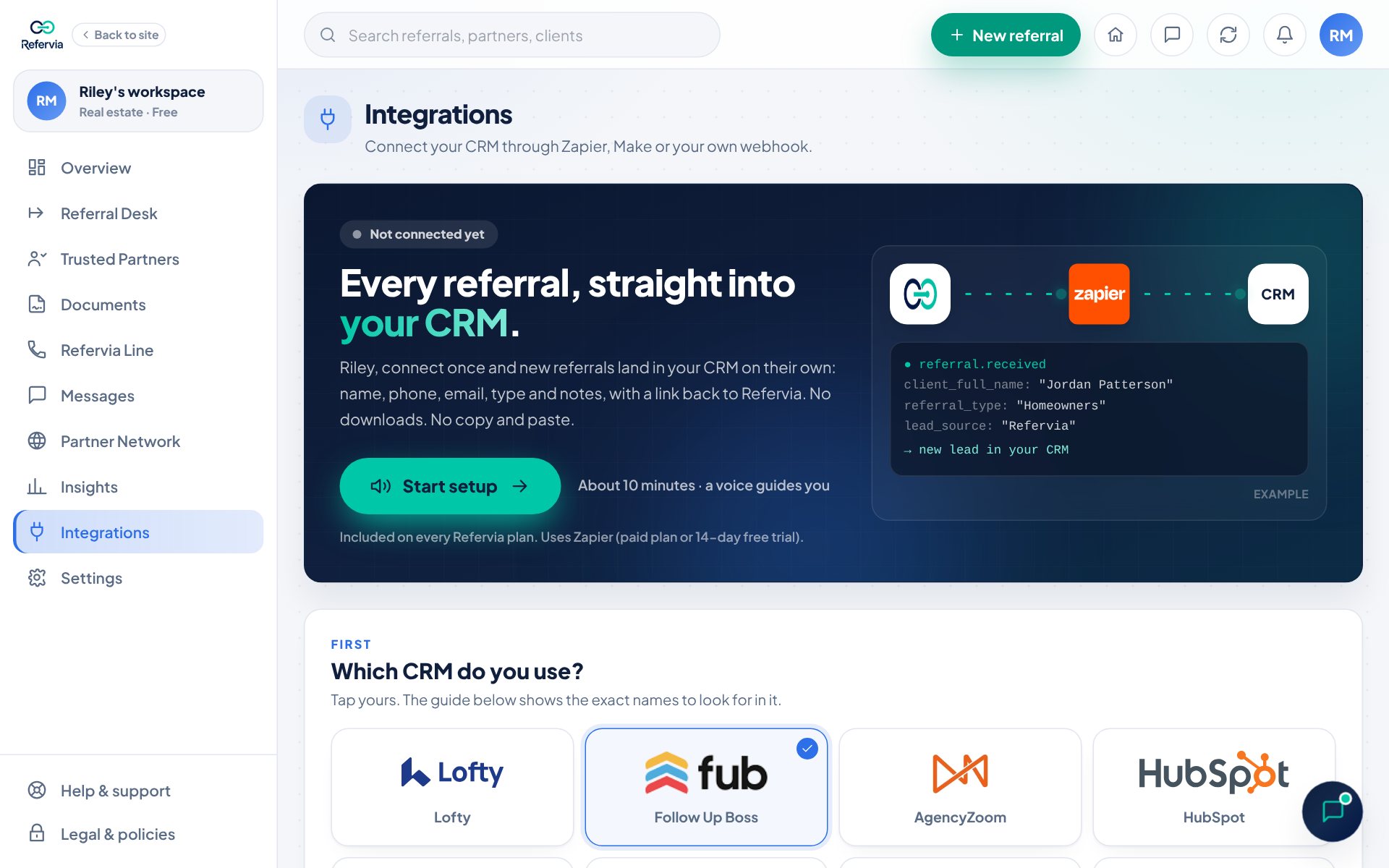
- Open Integrations in the left menu. On a phone, open Settings and tap Integrations.
- Click Start setup.
- Under Which CRM do you use?, tap your CRM. Don't see it? Tap Other CRMs to search, or Not listed? Use any app on Zapier.
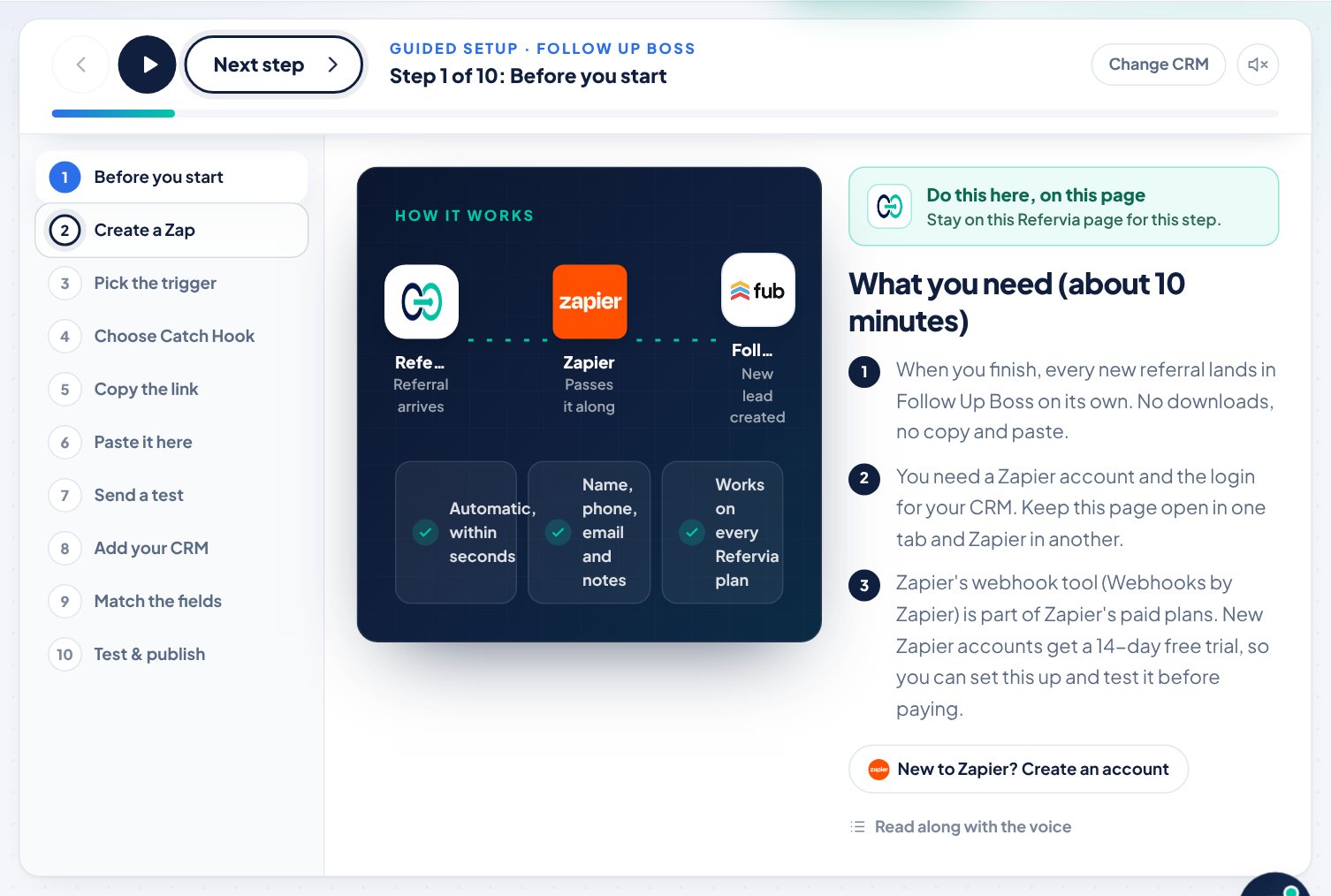
- The guided setup opens and a voice reads each step. Click Next step to move on. The speaker button turns the voice on or off.
- Follow the 10 steps. A banner tells you where to work: Do this in Zapier or Do this here, on this page.
- On the last step, click I published it. You will see You're connected.
What the 10 steps cover
In short: you start a new Zap in Zapier, set its trigger to Webhooks by Zapier with Catch Hook, and copy the webhook link. Back in Refervia, you paste it into the box marked Paste your link here, click Save connection, then click Send test referral. In Zapier you add your CRM as the action, match each CRM field to a Refervia field using the table on screen, test it, and click Publish. The guide shows the exact Zapier names for your CRM.
Good to know
- The test sends a sample named Test Client (Refervia). It is not a real person, so you can delete it from your CRM afterward.
- Using Make or your own developer instead? Any secure link that starts with https:// works. See Other ways to connect on the same page.
- You can save up to 5 connections.
- If your Zapier account drops to Zapier's Free plan, Zapier turns the Zap off.
- Prefer a file? Click Export CSV on the Open referrals card on your Overview.
Trouble?
- "The link should start with https://": Copy the whole link from Zapier again. It starts with https://hooks.zapier.com.
- "That link is already connected.": That link is saved. Find it under Your connections.
- "Save your webhook link first": Go back one step and click Save connection.
Was this helpful?