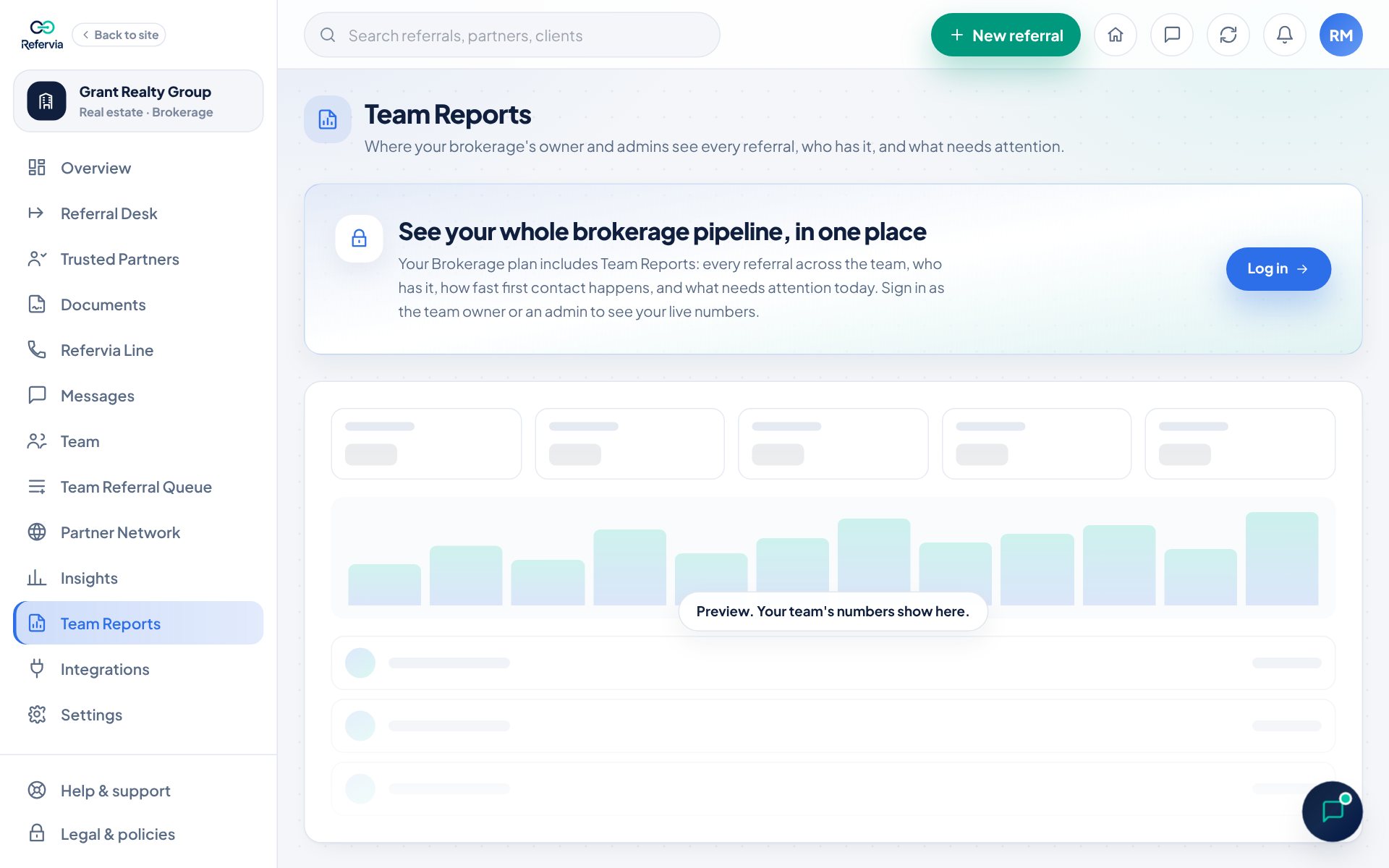
Team Reports shows your whole brokerage or agency at a glance: every referral, who has it, how fast first contact happens, and what needs attention. It is for owners and admins on Brokerage, Agency and Enterprise.
Steps
- Click Team Reports in the left menu.
- Pick a range at the top: 30 days, 90 days or 12 months.
- Read the top tiles: Referrals, Completed, Close rate, Speed-to-lead and Open right now. Each one compares to the period before.
- Check Needs attention: referrals with no first contact after 24 hours, and follow-ups that are past due, with who has each one.
- Scroll through By teammate, By line of business, Top partners and Team speed-to-lead, week by week.
- In Team pipeline, search or filter by teammate, status or line of business.
- Click Export CSV to download exactly what is on screen.
What the pipeline includes
- Team Referral Queue referrals.
- Each teammate's own referrals with their Trusted Partners.
- For each one: Who has it, the Partner, Status, age and Follow-up date.
Reports by email
- Owners and admins get a weekly team digest every Monday and a monthly team report on the 1st.
- An admin needs the Can see reports permission to open Team Reports and get these emails. The owner sets this in Team settings.
Good to know
- Enterprise adds By office and an office filter on the pipeline.
- Members who are not admins see a note that their team owner can see team reports.
- On Brokerage Free and Agency Free, the page shows what Team Reports unlocks, with no numbers. Owners there still get the Team leaderboard on Insights.
- A brand-new team sees "Post your first team referral to light this page up" until referrals come in.
Trouble?
- "Team reports could not load": Click Try again, or reload the page.
- An admin can't open Team Reports: Ask the owner to turn on Can see reports for them.
Was this helpful?