A follow-up date is a private reminder for you. Set one on any open referral you sent, received, or claimed from your Team Referral Queue. It works on every plan.
Set a follow-up
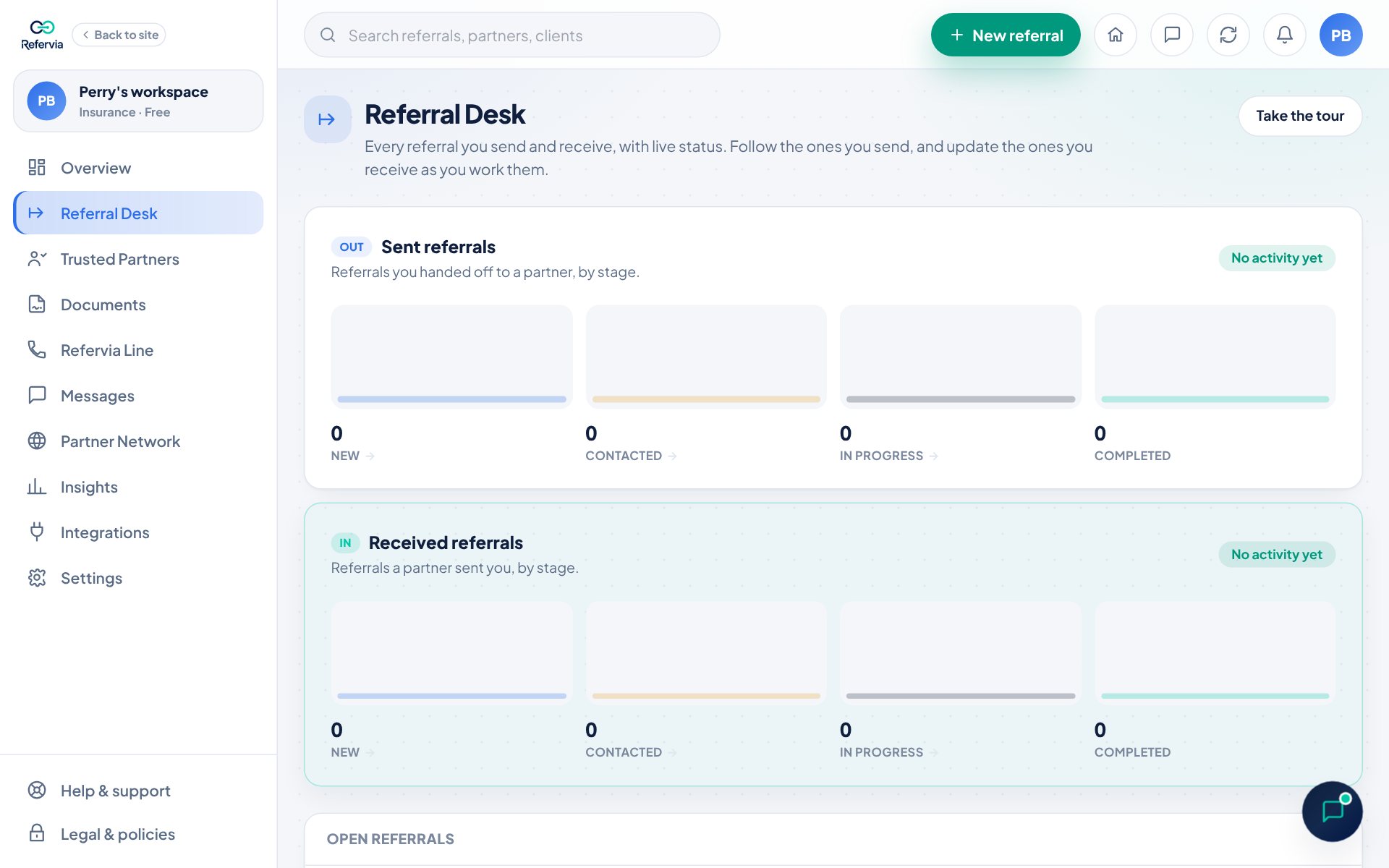
- Open Referral Desk in the left menu. On a phone, tap Referrals in the bottom bar.
- Click the client's name to open the referral.
- Find Follow-up. It says Not set if there is no date yet.
- Tap Tomorrow, In 3 days or Next week. Or pick any date in the date box.
- You will see a short message like "Follow-up set for" the date.
To remove it, tap Clear next to the date.
See what is due
- On your Referral Desk, tap Follow-ups due above the list. The number on it shows how many are due.
- To work the most pressing ones first, pick Most urgent first in the Sort menu.
On the day of a follow-up, Refervia reminds you in the app with a notice in the bell. Tap it to jump straight to your due follow-ups.
Good to know
- Only you see your follow-up date. Your partner has their own.
- Follow-ups are for open referrals. Once a referral is withdrawn or closed out, the Follow-up box goes away.
- A follow-up date that has passed shows in amber so it stands out.
- Want to nudge your partner instead? Open a referral you sent and tap Send reminder. That one goes to them, once a day at most. On Pro and up, Refervia also reminds them on its own if it's still New 24 hours after you sent it (see Automatic reminders).
- On Team Reports, owners and admins can see follow-up dates in the team pipeline.
Trouble?
- "Only the sender or the person working this referral can set a follow-up.": You are not on this referral. Ask the person who has it.
- "Could not save the follow-up": Check your connection and try again.
- I don't see Follow-up: The referral is closed or withdrawn.
Was this helpful?