When a connected Trusted Partner sends you a referral handoff, it lands on your Referral Desk by itself. You do not need to type anything in.
Before you start
You must be connected with the partner. If they invited you, accept their partner invite first. A referral they sent before you joined moves onto your Referral Desk once you accept.
Steps
- Watch the bell at the top right. A new referral shows up there as a notification.
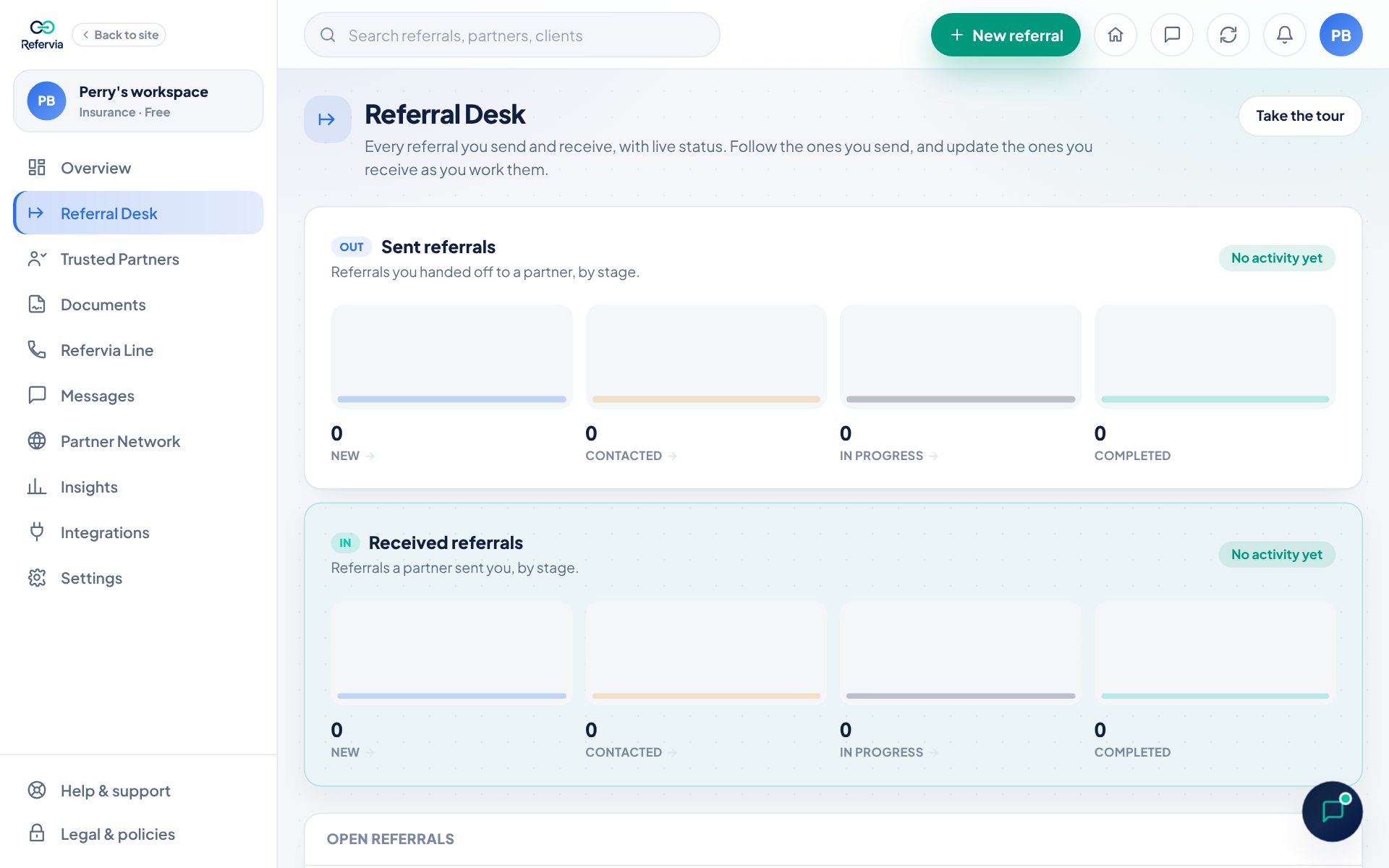
- Open Referral Desk in the left menu. On a phone, tap Referrals in the bottom bar.
- Look for rows tagged In. Those are referrals sent to you.
- To see only those, tap the Received filter above the list.
- Click the client's name to open the referral.
- Tap Click to call, Text or Click to email to reach the client. On Pro and up, Click to call goes out from your Refervia Line and the call is logged on the referral. Until your Line has its number, it uses your phone. Text opens your phone's own messaging app with the client's number filled in.
- Read the Referral note and the details your partner added.
- Tap Move to Contacted once you have reached out.
- To talk with the sender, tap Message and their name (plans with messaging). The message box starts with the client's name, so they know which referral you mean.
- To come back to it later, set a Follow-up: Tomorrow, In 3 days, Next week, or pick a date.
Good to know
- You own the working status of a referral you receive. Your partner sees every change, but cannot change it.
- On the day of a follow-up, Refervia reminds you in the app. Tap Follow-ups due above the list to see them. To put Same-day referrals first, pick Most urgent first in the sort menu.
- On Pro and up, referrals from your branded referral link show Sent through your branded referral link with the sender's email and phone.
- Refervia also emails you when a referral arrives. The email names the client and the referral type; the details stay in the app.
- Tap Add note in the referral to share how it is going. Your partner can see your note.
- The Received referrals card at the top counts your received referrals by stage.
- Use the search box (Search by name or email) to find a client fast.
- Received referrals never count toward a plan limit.
- Closed referrals move to the Closed referrals sections below the open list.
Trouble?
- "My partner says they sent one, but I don't see it": Check that you accepted their partner invite. Then click the refresh button at the top right, or reload the page on a phone.
- "The status controls are missing": The sender withdrew the referral. It shows Withdrawn and needs no action.
- "I can't find an older referral": It may be closed. Open the Completed, Declined, Withdrawn or Archived section below the list, or use the filter chips.
Was this helpful?