A connect request works like an invite. When the other person accepts, you become Trusted Partners and can send each other referrals.
Send a request
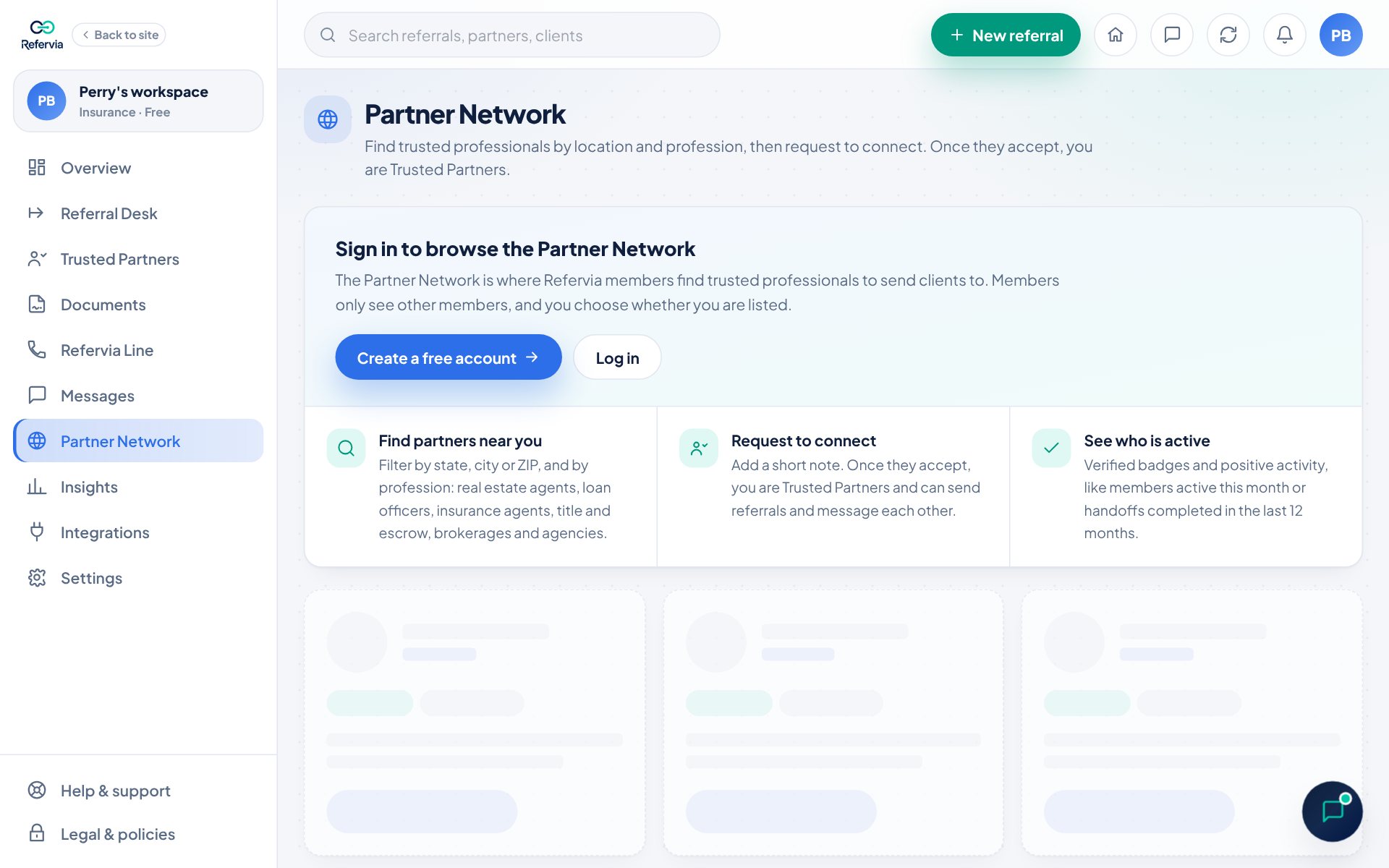
- Click Partner Network in the left menu.
- Find the person and click Request to connect on their card.
- In Connect with, add a note if you like. It is optional, up to 500 characters, and they see it with your request.
- Click Send request. You will see "Request sent to" their name.
Answer a request
- Click Partner Network, then the Requests tab. A red number on the tab means someone is waiting.
- Under Asking to connect with you, read their details and note.
- Click Accept to become Trusted Partners. You will see "You and" their name "are now Trusted Partners." Click Send referral to send one right away.
- Or click Not now to pass.
You can also click Accept or Not now right on their card under Wants to connect with you.
Cancel a request you sent
- Open the Requests tab.
- Under Requests you sent, find the person. Their row shows Request sent.
- Click Cancel request.
Good to know
- Not now is private. The other person is never told, and they can't ask you again for 180 days. To stop someone for good, block them (see Report or block a member).
- When someone asks to connect, you get a notice in the bell.
- After you connect, they show on your Trusted Partners page like any partner you invited.
- On the Free plan, connections and pending requests count toward your 10 Trusted Partners. Brokerage Free and Agency Free allow 25 per person. Pro and up have no limit.
- If they also sent you a request, sending yours connects you right away.
- Each plan includes a number of requests to connect per month: Free 5, Brokerage Free and Agency Free 10 per person, Pro 25, Pro Max 75, Brokerage and Agency 50 per person, Enterprise unlimited. Every new request counts, even one you cancel, and the count resets on the 1st. Accepting a request is always free. The Browse tab and the request window show how many you have left.
- Anyone can send up to 25 requests a day, to keep the network free of spam.
Trouble?
- "You have reached the Trusted Partner limit on your plan.": Remove a partner you no longer work with, or click See plans.
- "You've used your connect requests for this month": Wait until the 1st, or click See plans for more. You can still accept requests people send you.
- "You already asked to connect. You can ask again after" a date: a request you sent them in the last 180 days wasn't accepted. You can ask again after that date.
- "You can't send a request to this member": they can't receive a request from you.
- "That did not go through": Try again. If it keeps happening, contact support.
Was this helpful?