The Partner Network is where Refervia members find trusted professionals to send clients to. Browsing is included on every plan, and each plan includes a number of requests to connect per month. Use it when you need a partner you do not know yet, like a loan officer in a new city.
Steps
- Click Partner Network in the left menu.
- Stay on the Browse tab.
- Type a name, company or city in Search by name, company, or city.
- Narrow the list with Profession, State, City or area (a city or ZIP) and Line of business. On a phone, tap Filters to show them.
- Tick Verified only to see members whose license is confirmed.
- Read a card: name, profession, company, location, what they prefer, lines of business, a short bio and any activity badges.
- Click Request to connect on someone you want to work with. See Connect requests for the next steps.
- Click Show more at the bottom to load more members.
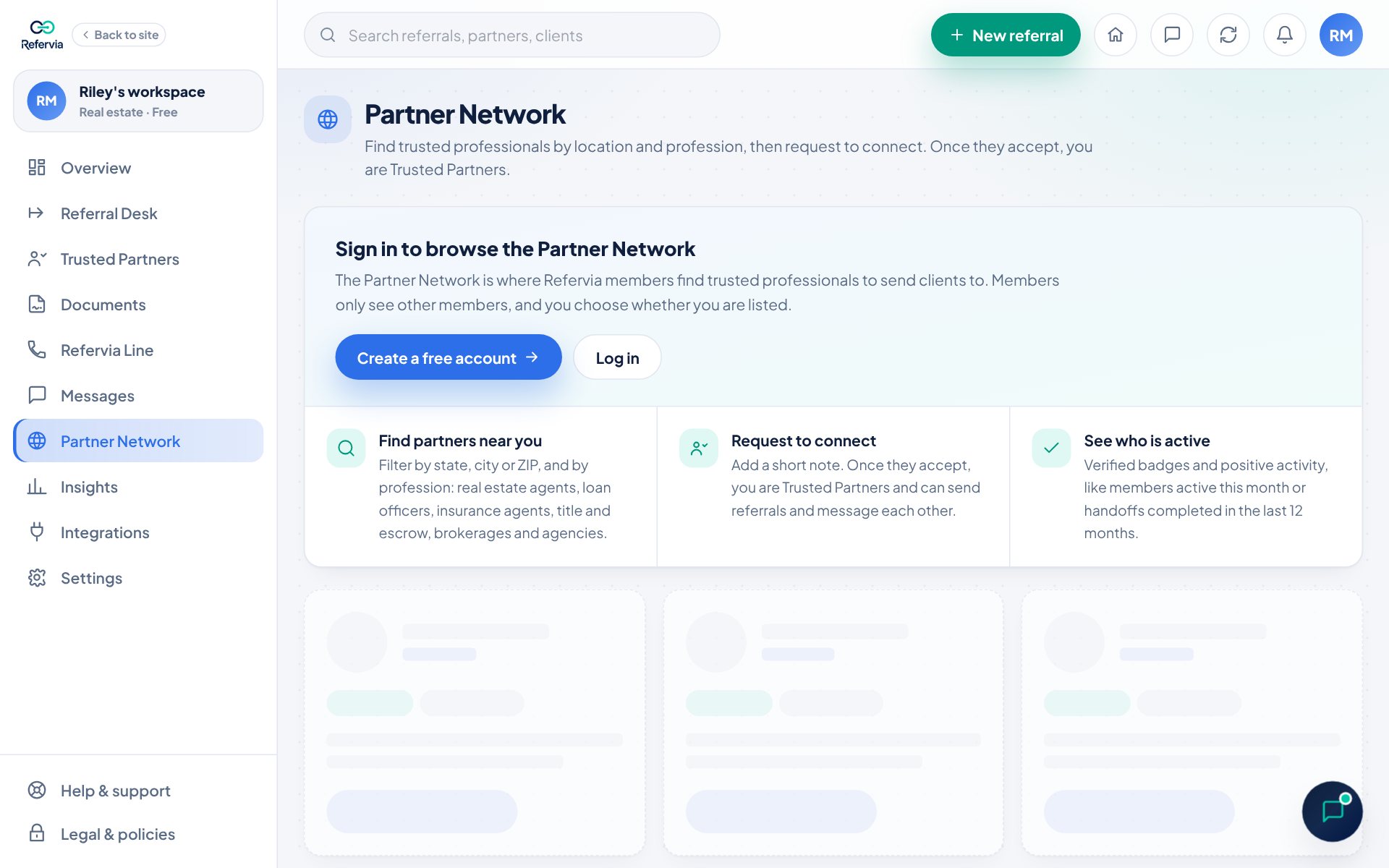
What the cards show
- Profession can be real estate agent, loan officer, insurance agent, title or escrow, or a brokerage or agency (shown with its team size).
- Prefers lists the areas the member likes to work in.
- Activity badges are only ever positive, like Active this month, Fast responder, or the handoffs they completed with partners on Refervia in the last 12 months.
- The Verified badge means their license was confirmed by Refervia.
Good to know
- Verified and active members show first. Nobody can pay for placement.
- Next to the number of partners found, you see how many requests to connect you have left this month (Free 5, Pro 25, Pro Max 75; team plans per person). Click Need more? to compare plans.
- Refervia is not a lead marketplace. It does not sell leads or send you clients.
- Preferred areas and lines of business are what members like to work on. They are preferences, not a promise of referrals.
- Members only see other members. You choose whether you are listed. See Your Partner Network profile.
- Once someone accepts, they show as Connected. You are Trusted Partners. on their card, with Send referral and Message buttons.
Trouble?
- "Nobody matches those filters yet": Try a nearby city, a whole state, or fewer filters. Click Clear filters to start over.
- "We could not load the Partner Network": Refresh the page.
- Message shows a Pro tag: Your plan does not include messaging. You can still send referrals.
Was this helpful?